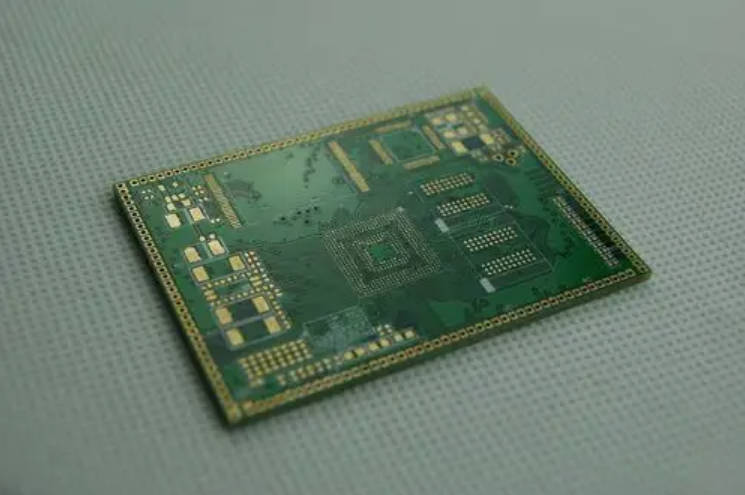
In the rapidly evolving world of electronics, the complexity of printed circuit boards (PCBs) has shifted from simple single-sided designs to sophisticated multilayer architectures. For engineers, procurement specialists, and product managers, the decision often boils down to a critical comparison: 4 layer PCB vs 6 layer PCB.
Choosing the right layer count is not just about physical space; it dictates signal integrity, electromagnetic compatibility (EMC), thermal performance, and the ultimate cost of your product. The primary difference between a 4-layer and 6-layer PCB is the addition of two internal layers (usually one signal and one plane layer, or two plane layers), which provides superior EMI shielding, lower impedance return paths, and significantly higher routing density for complex components like BGAs.
1. Understanding the Fundamentals of Multilayer PCBs
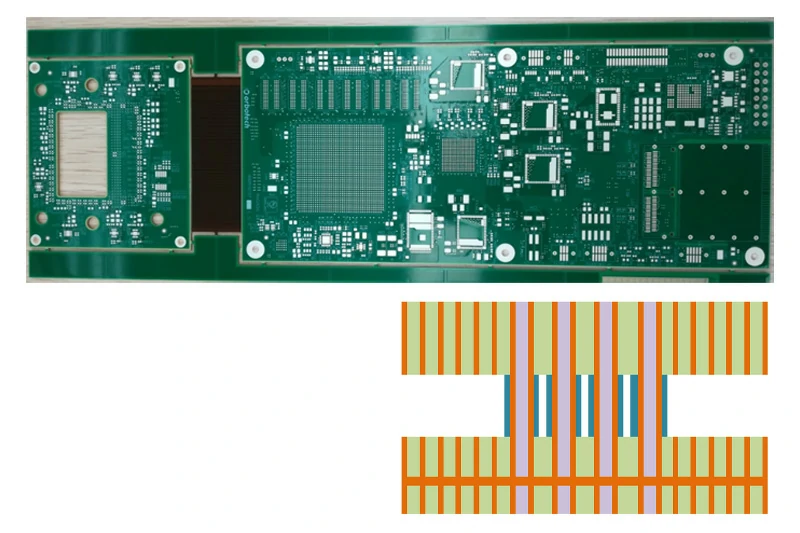
Before diving into the comparison, it is essential to understand what constitutes a multilayer PCB. A multilayer board consists of three or more conductive copper layers separated by insulating materials (prepreg and core) laminated together under high pressure and temperature.
What is a 4-Layer PCB?
A 4-layer PCB is the entry point into multilayer design. It typically consists of a top signal layer, a bottom signal layer, and two internal layers—usually a ground plane and a power plane. This structure allows for much better noise control than a 2-layer board because it provides a dedicated path for current return.
What is a 6-Layer PCB?
A 6-layer PCB adds two additional layers to the stackup. A standard configuration involves four signal layers and two plane layers (Ground and Power). However, high-performance designs might use two signal layers and four plane layers to achieve maximum isolation.
2. Anatomy of the Stackup: Architectural Differences
The “stackup” is the most vital document in PCB fabrication. It defines the thickness of the copper, the type of dielectric material, and the arrangement of layers.
The Standard 4-Layer Stackup
Most 4-layer boards follow this sequence:
-
Top Layer: Signal / Components
-
Internal Layer 1: Ground Plane (GND)
-
Internal Layer 2: Power Plane (VCC)
-
Bottom Layer: Signal / Components
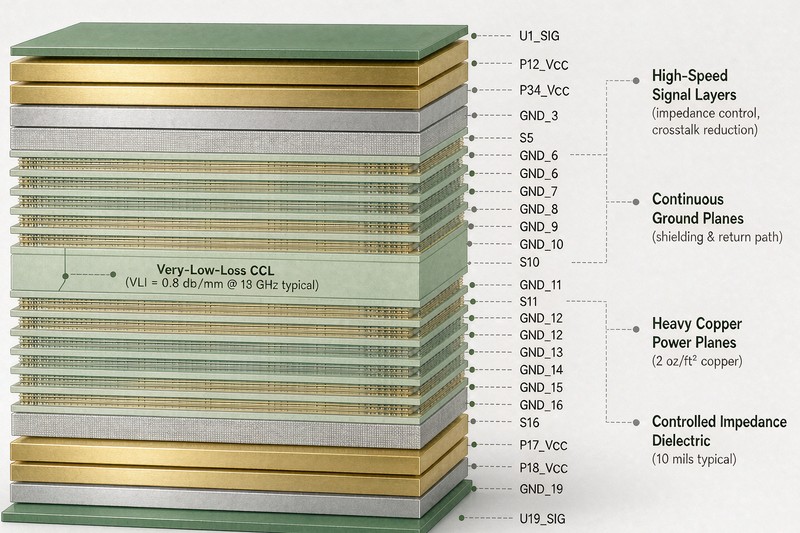
The Standard 6-Layer Stackup
A 6-layer board offers more flexibility. A common high-speed design stackup is:
-
Top Layer: Signal
-
Internal Layer 1: Ground Plane
-
Internal Layer 2: Signal (High-speed)
-
Internal Layer 3: Signal (High-speed) or Power Plane
-
Internal Layer 4: Ground or Power Plane
-
Bottom Layer: Signal
By moving high-speed traces to internal layers (Layer 3 and 4) and sandwiching them between ground planes, a 6-layer PCB effectively acts as a Faraday cage, preventing internal signals from radiating outward and external noise from interfering with sensitive data.
3. Signal Integrity and EMI Performance
For professional-grade electronics, Signal Integrity (SI) is non-negotiable. As clock speeds increase and rise times shorten, the PCB traces behave like transmission lines.
EMI Shielding
Electromagnetic Interference (EMI) is the “noise” that can cause a device to fail FCC or CE certification.
-
4-Layer: Offers basic shielding. However, because the signal layers are on the outside, they are prone to radiating EMI.
-
6-Layer: Provides significantly better EMI performance. A 6-layer PCB can reduce EMI by up to 20dB compared to a 4-layer board because it allows for “Stripline” routing, where signals are buried between two reference planes.
Crosstalk Reduction
Crosstalk occurs when signals from one trace leak into an adjacent trace. In a 6-layer design, you can use the extra layers to increase the spacing between critical signal paths or place a ground plane between two signal layers to “absorb” the electromagnetic coupling.
4. Thermal Management and Heat Dissipation
Heat is the enemy of component longevity. In high-power applications, such as motor controllers or LED drivers, the PCB must act as a heat sink.
In terms of thermal management, 6-layer PCBs outperform 4-layer boards because the additional internal copper planes increase the total thermal mass of the board, allowing heat to spread more evenly across the surface and dissipate through thermal vias.
| Feature | 4-Layer PCB | 6-Layer PCB |
| Copper Volume | Standard | High (More planes) |
| Heat Distribution | Moderate | Excellent |
| Thermal Vias Efficiency | Good | Superior |
| Application Suitability | Low-power devices | High-power/High-speed computing |
5. Design Complexity: When BGAs Enter the Picture
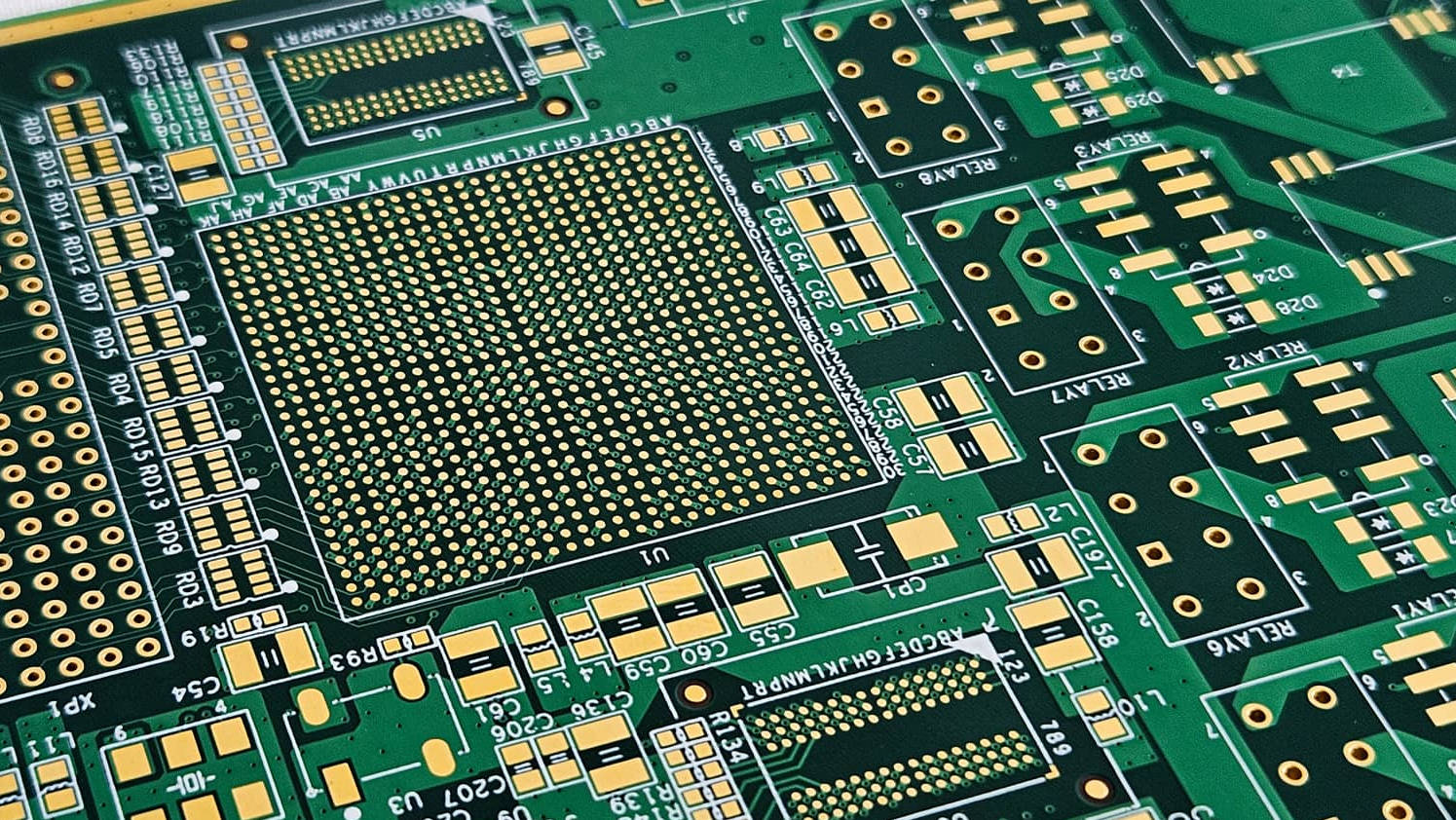
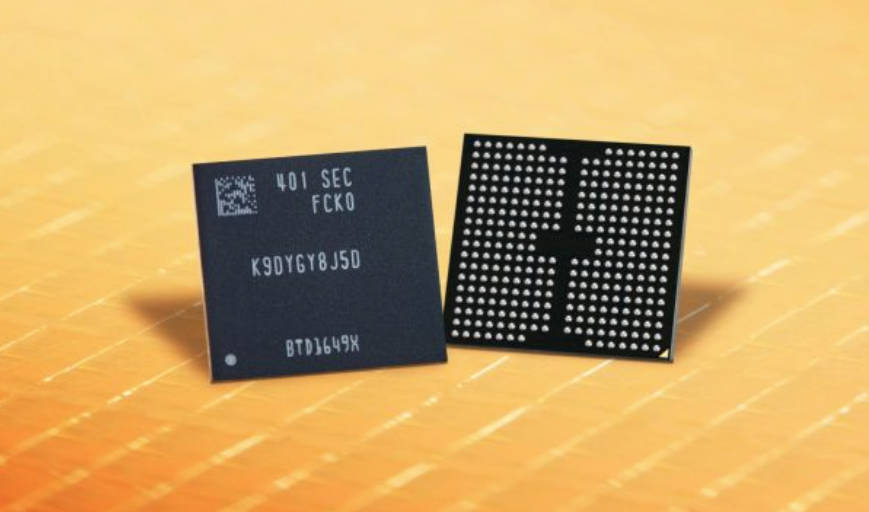
One of the most common reasons engineers upgrade to a 6-layer board is the use of BGA (Ball Grid Array) components.
When you have a processor or FPGA with hundreds of pins spaced 0.5mm to 0.8mm apart, a 4-layer board simply runs out of “real estate.” You cannot physically route all the signals out from under the chip (fan-out) without more layers.
If your design involves a high-pin-count BGA, a 6-layer PCB is often the minimum requirement to ensure proper escape routing and to maintain a continuous ground plane under the high-speed data buses.
6. Manufacturing Cost vs. Total Value
There is no denying that a 6-layer PCB is more expensive than a 4-layer one. The manufacturing process involves more material and more lamination cycles.
Price Comparison
-
Material Cost: 6-layer boards use more copper foil and prepreg.
-
Lamination: A 6-layer board requires a more complex pressing process.
-
Drilling: More layers often mean more complex via structures (though blind/buried vias are separate costs).
While the manufacturing cost of a 6-layer PCB is typically 30% to 50% higher than a 4-layer board, the “Total Cost of Ownership” can be lower if the 6-layer design eliminates the need for expensive external shielding or prevents a costly product recall due to EMI failure.
7. Comparison Table: 4-Layer vs. 6-Layer
To help you make a quick decision, we have summarized the key metrics in the table below:
| Metric | 4-Layer PCB | 6-Layer PCB |
| Signal Density | Low to Moderate | High |
| EMI Suppression | Basic | Advanced |
| Impedance Control | Difficult | Precise |
| Board Thickness | Usually 1.6mm | Can be 1.6mm or thinner |
| Lead Time | Faster | Slightly Longer |
| Target Industry | Consumer Electronics, IoT | Medical, Aerospace, Industrial PC |
8. Practical Decision Matrix: Which One Should You Choose?
Choosing between 4 and 6 layers doesn’t have to be a guessing game. Follow this decision matrix:
Choose a 4-Layer PCB if:
-
Budget is the Top Priority: You are designing a high-volume consumer product with low margins.
-
Low-Speed Signals: Your clock speeds are below 100 MHz.
-
Space is Abundant: You have enough surface area to route components without density issues.
-
Simple Components: You are using through-hole components or large-pitch SMD parts (0603, SOIC).
Choose a 6-Layer PCB if:
-
High-Speed Interfaces: You are using DDR3/DDR4 memory, USB 3.0, or PCIe interfaces.
-
Complex ICs: Your design includes BGAs or QFNs with high pin density.
-
Strict EMI/EMC Standards: Your device will be used in medical or automotive environments where noise limits are stringent.
-
Compact Form Factor: You need to shrink the physical size of your product significantly.
9. Conclusion: Designing for Success
In the debate of 4 layer PCB vs 6 layer PCB, there is no universal winner—only the “right” choice for your specific application. While 4-layer boards remain the workhorse of the industry for simple projects, the 6-layer board is the indispensable tool for modern, high-speed, and high-density electronics.
Investing in two extra layers is often an insurance policy against signal interference and thermal failure. Before you finalize your design, consult with your PCB manufacturer to evaluate your stackup. A well-designed 6-layer board can often be manufactured with high yield, offsetting the initial price increase with better reliability.